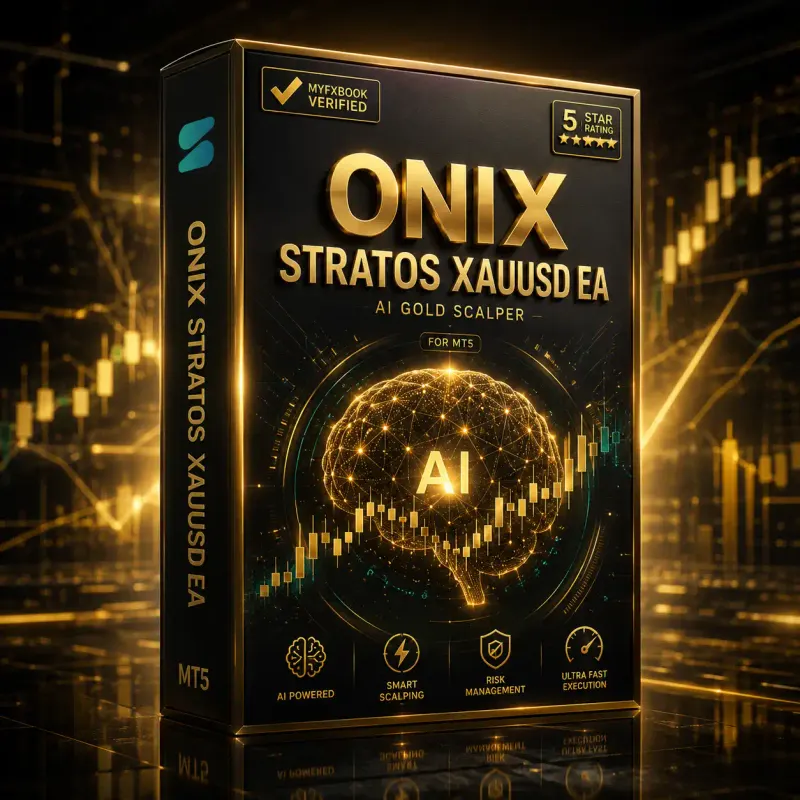
Onix Stratos XAUUSD EA
Trend-scalping gold EA powered by the AI-driven 4D Nano Algorithm.
From $179
Lifetime $497 · free 30-day demo trial
30-day money-back guarantee
Tracked performance
+19.6%
Total gain on the tracked demo account
This record comes from a demo account, which does not include live slippage or requotes.
Synced daily from bestmt4ea.com. Latest Myfxbook snapshot: Oct 22, 2026. Trading forex, CFDs, crypto, and leveraged products carries a high level of risk and can result in the loss of your full capital. Past performance is not indicative of future results.
At a glance
Onix Stratos setup and requirements
- Recommended pair
- XAUUSD (Gold)
- Platform
- MetaTrader 5
- Minimum equity
- $10,000
- Timeframe
- M1 (1 minute)
- Strategy
- Scalping with trend
- Broker
- Fusion Markets MT5
- Track record
- Myfxbook-verified
- Setup time
- Under 10 minutes
Overview
What Onix Stratos does
Onix Stratos is a high-performance automated trend-scalping expert advisor for MetaTrader 5, powered by the AI-driven 4D Nano Algorithm. It plots gold price metrics in real time to locate precise entry and exit targets with no lag, and is built specifically around the execution conditions of Fusion Markets MT5. A Real Time Broker Shield hides key trading points from broker interference.
- Fully automated execution — no manual entries, no screen time required
- Fixed, rule-based logic — every trade follows the same criteria, no emotion involved
- Configurable risk controls — set your own drawdown cap and lot size
- MyFxBook-verified performance — check the live-tracked results before buying
- Free lifetime updates — the strategy improves, you don't pay again
- 24/7 Telegram support — real answers, not a ticket queue
Honest assessment
Strengths and limits
Strengths
- AI-powered 4D Nano Algorithm core maps volatile gold breakouts accurately.
- Real Time Broker Shield secures execution details from broker counter-trading.
- Low-drawdown design targeting under 10% for steadier compounding.
- Fully automated, hands-free operation with no manual entries.
- Fast step-by-step setup that takes under 10 minutes.
Limits
- Configured for the Fusion Markets MT5 broker only — it is not built to run on other broker networks.
- The recommended $10,000 minimum deposit is high for starter traders.
- Needs low-latency execution (a co-located VPS) to hold its intended performance.
Onix Stratos is built to capitalise on high-volume session breakout cycles. By focusing strictly on M1 gold movements it locks in small pip captures quickly, limiting time exposure in the market. The Broker Shield integration is what keeps execution pricing tight during volatile sessions.
Is it for you
Who it suits, and who should skip it
- Traders who want rules-based XAUUSD exposure without watching charts all day
- Traders already running an ECN broker with tight gold spreads
- Traders comfortable running an EA on a VPS
- Anyone expecting a set-and-forget system with zero risk
- Anyone unwilling to test on a demo account first
- Accounts below the recommended $10,000 minimum equity
Licences
Choose a licence
Trial
30 days · demo only
Free
- Licence for any demo account
- No real account
- 1 demo account
- Activation period: 30 days
Personal
12 months
$179
- Licence by account number
- 1 real account
- Unlimited demo accounts
- Activation period: 12 months
Personal
Lifetime
$497
- Licence by account number
- 2 real accounts
- Unlimited demo accounts
- Lifetime activation
Prices are confirmed at checkout on bestmt4ea.com and may change. Run it for a full month. If it is not for you, request a refund within 30 days of purchase.
Getting started
Install in minutes, and what you get
- 1DownloadDownload the EA file from your dashboard after purchase.
- 2InstallCopy it into your MT5 Experts folder.
- 3AttachRestart MT5 and drag the EA onto your XAUUSD chart.
- 4ActivateEnable AutoTrading and apply the recommended settings.
- Expert Advisor file (.ex5)
- Free lifetime updates
- Premium Telegram support
- Licence activation for your account(s)
Compared
Automated versus manual trading
| Feature | Forex EA | Manual trading |
|---|---|---|
| Emotion-free execution | Yes | No |
| 24/5 automated monitoring | Yes | No |
| Automated risk control | Instant | Manual / slow |
| News & spread filter | Automated | Manual check |
Customer reviews
What Onix Stratos buyers say
5.0 average across 2 reviews from verified buyers on bestmt4ea.com
“Gold can be erratic due to liquidity sweeps, but filter avoids entering during wild whipsaws. Steady gains over 3 weeks on my RoboForex ECN account.”
Wesley V. · South Africa · March 2026Onix Stratos
“The dashboard displays daily PnL, active lot exposure, current spread, and target prices clearly. No guessing about what the robot is doing.”
Serghei O. · France · March 2026Onix Stratos
Reviews are published as submitted by customers. Individual experiences vary and are not a promise of results.
FAQ
Onix Stratos questions, answered
What does Onix Stratos trade?
Onix Stratos XAUUSD EA is a scalping with trend expert advisor for MT5 that trades XAUUSD, built for the M1 (1 minute) chart. It places and manages orders automatically from fixed rules.
What account size does Onix Stratos need?
The recommended minimum equity is $10,000. Smaller accounts can run it, but the drawdown shown on this page is measured on the tracked account, so size your risk against that figure rather than the gain.
Is the Onix Stratos track record live or demo?
The tracked Myfxbook account is a demo account. As of Oct 22, 2026 it shows a 19.62% gain with a 12.44% maximum drawdown. Demo fills do not include live slippage or requotes, so treat the record as a demonstration, not a promise.
How do I buy and activate a licence?
Licences are sold and delivered by our store, bestmt4ea.com. Choose a tier on the product page, pay by card or USDT, and the download and licence appear in your BestMT4EA dashboard. Licences are bound to your trading account number.